![Frame 1707478394.png]](https://knowledgebase.diib.com/hs-fs/hubfs/Frame%201707478394.png?height=40&name=Frame%201707478394.png)
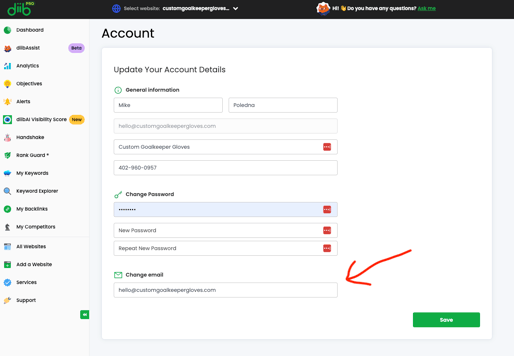
To update your email address, just log in to your diib dashboard. Click on “My Account” in the top right corner, then select “Account” from the dropdown menu.
Next, scroll down to “Change email” and enter the new address you’d like us to use. Save your changes, and you’re all set.